
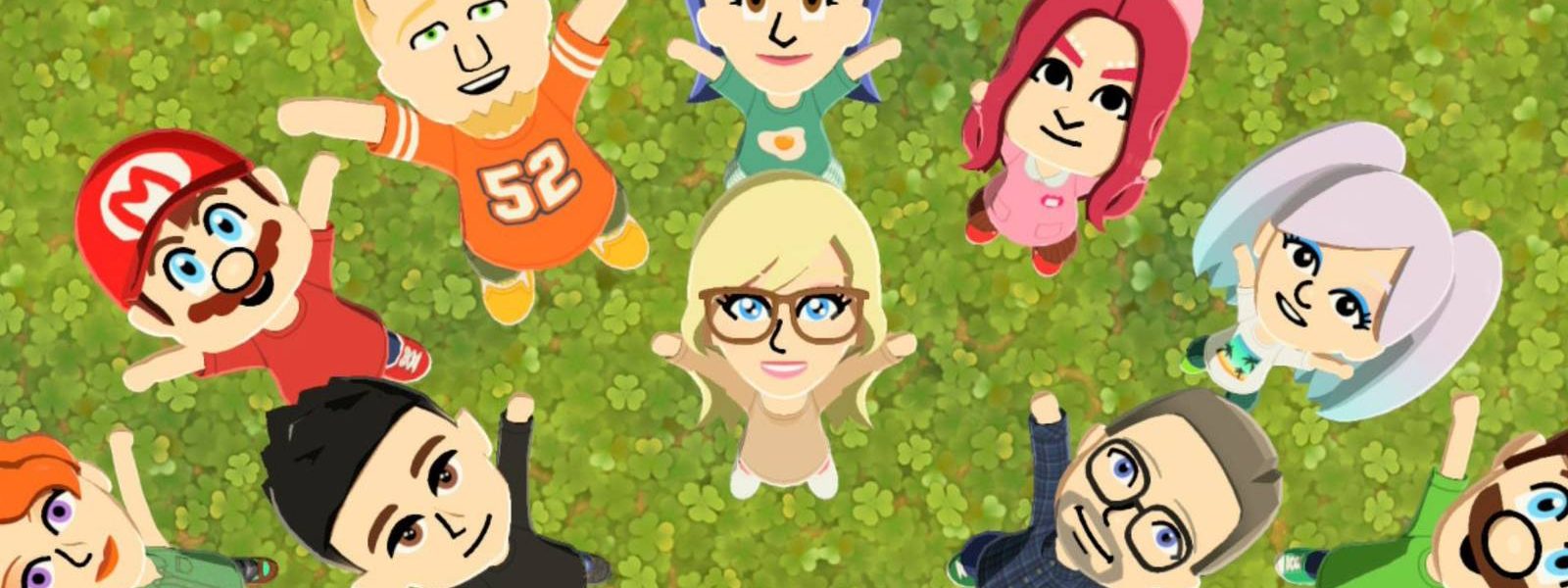
Tomodachi Life: Living the Dream has been taking the internet by storm since its release, with countless users sharing viral posts of their unique creations or comedic interactions between their residents that can be addicting to dive into. While it’s true that Tomodachi Life more than lives up to its excellent reviews, the game is still missing a few features from its predecessors that are hard to overlook.
Even setting aside features like the Concert Hall, raising Mii children, or Judgment Bay that fans have been lamenting since release, one of the biggest downgrades is the inability to share content with other players online. While the absence of this feature does allow you to create virtually anything without a shred of censorship from Nintendo, if you want to borrow or share designs with other players, you’ll need to rely on third-party applications instead.
TomodachiShare Is A Great Way To Find Character Inspiration
A Wide Variety Of Familiar And Detailed Characters To Choose From
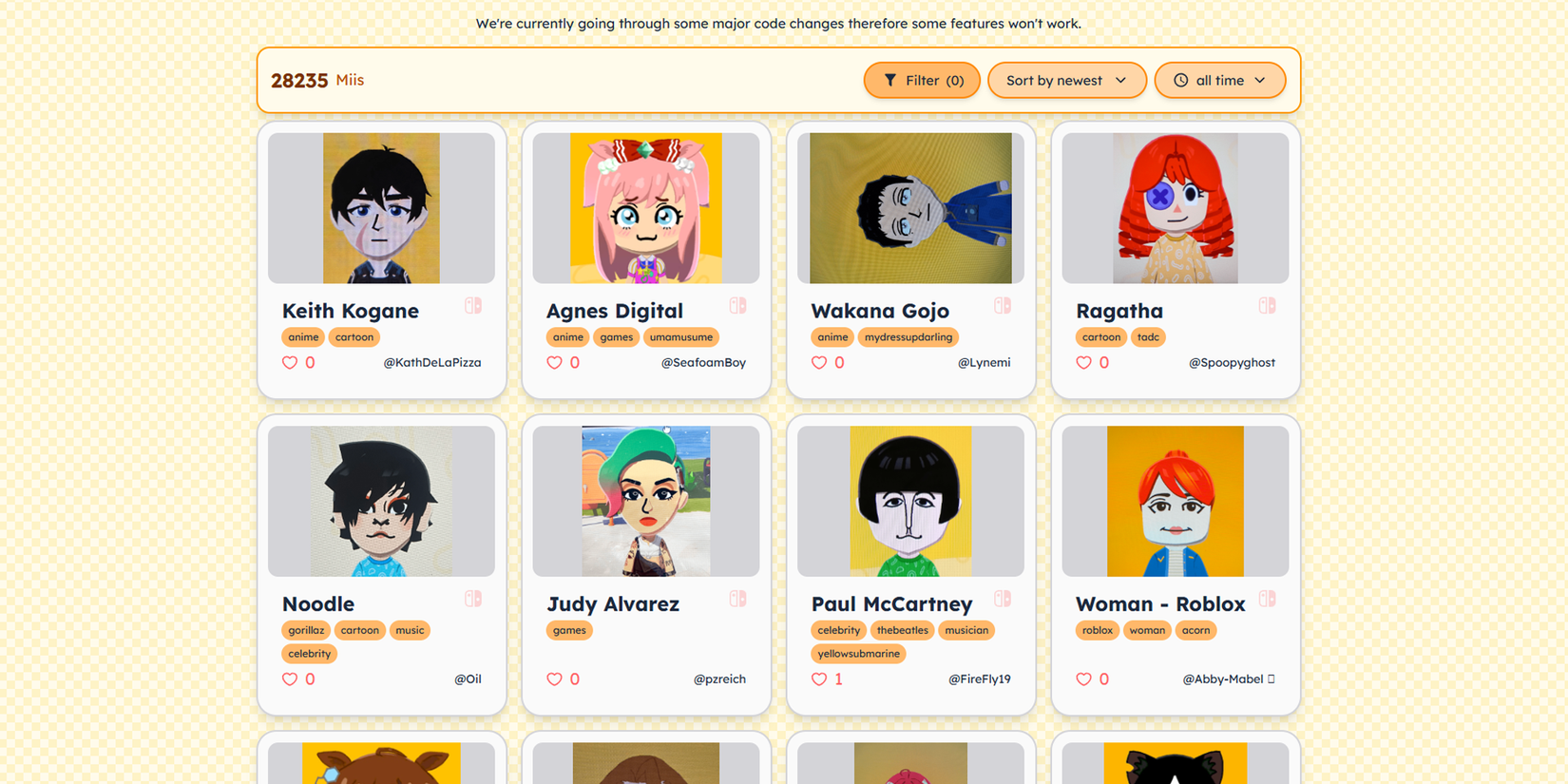
While you won’t be able to directly import or generate your own QR codes to share with other players like in previous Tomodachi Life games, there is one app that offers a fantastic pool of characters to recreate or search for, while uploading in-depth guides for your own creations through Tomodachishare, created by the programmer trafficlunar.
Made for the original Tomodachi Life, Tomodachishare has now been updated to include characters from Living the Dream, which already has over 24 thousand submissions of characters for you to search for. Allowing you to sort for characters using tags like gender, what media they originate from, or if they use partial, full, or no face paint at all, the search function is one of the most well-developed out of all the Tomodachi fan projects.
Even if you can’t directly import Tomodachishare’s unique character concepts to your Nintendo Switch with a simple scan or code, each submission includes a list of the parts used to create the Mii design underneath their headshot. Many submissions even included detailed instructions on which colors to use, or exact heights, rotations, and sizing in order to replicate the character, but the level of detail varies per design.
Import Your Own Custom Designs With Living The Grid
Transferring Images Is Way Easier With This Pixel Art Site
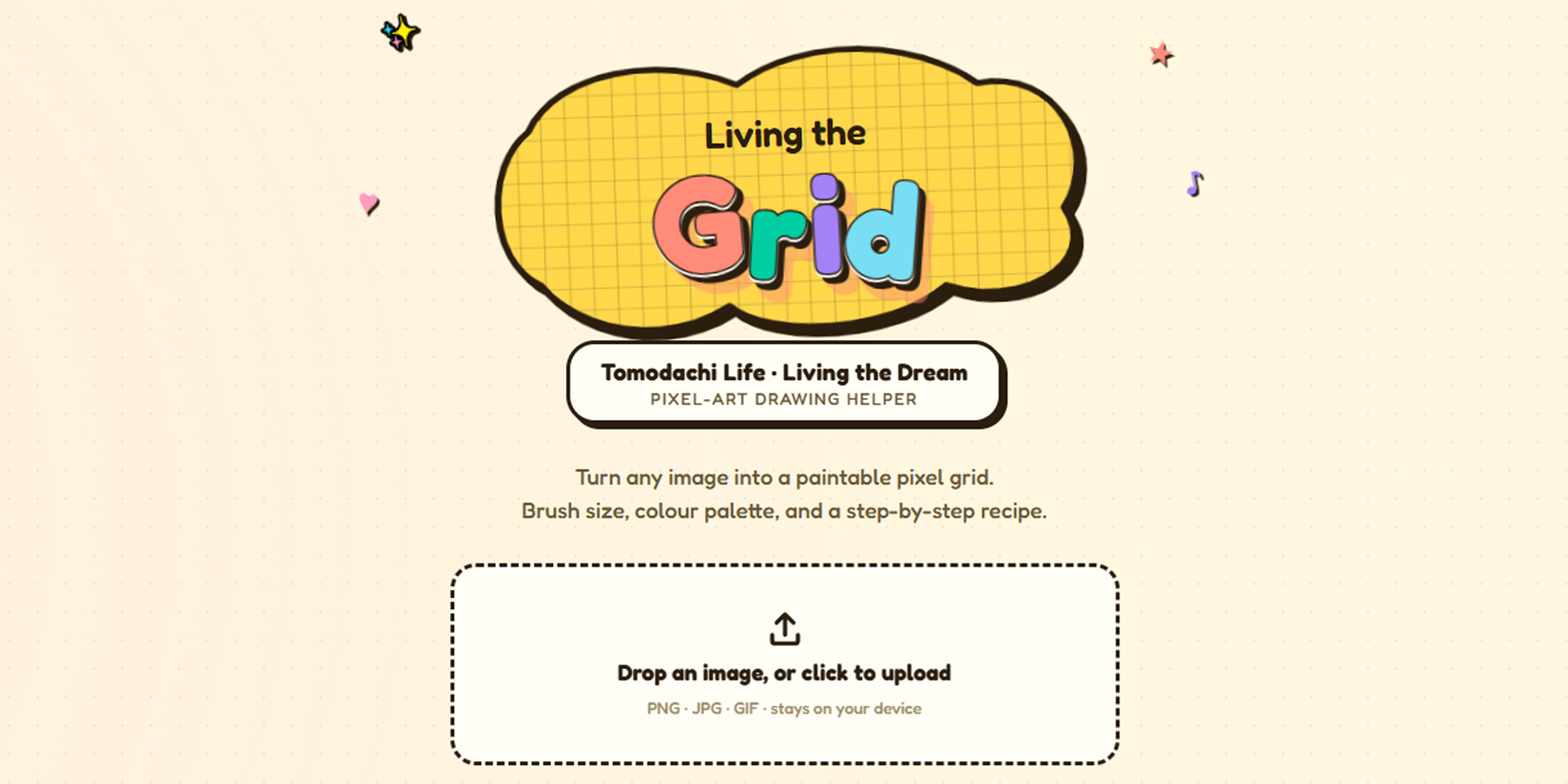
If you’ve ever seen an intricate or downright majestic art creation in Living the Dream and struggled to wrap your head around how someone made it, the answer is likely either the use of modded consoles or software like Living the Grid, created by coder ClementGzl.
Having been made in response to an absence of pixel art tools compatible with Living the Dream, this app allows you to transform any image you want into customizable pixel art to copy into your game. Having been made explicitly for Tomodachi Life: Living the Dream, Living the Grid has a wide variety of customization options that are compatible with the palette and sizing of the game itself, saving you from making any time-wasting mistakes.
Although importing more complex designs pixel by pixel can still be a bit tedious, the wide variety of options from grid overlays, brush density, and even numbered colors to trace more easily make custom images leagues easier than doing it freehand.
Although Living the Dream might discourage mechanics like time traveling, there is absolutely nothing stopping you from taking advantage of Living the Grid for all your custom design needs, allowing you to create your own pets, treasures, food, and more with an astounding level of flexibility.
Tomopattern Can Satisfy All Your Design Sharing Needs
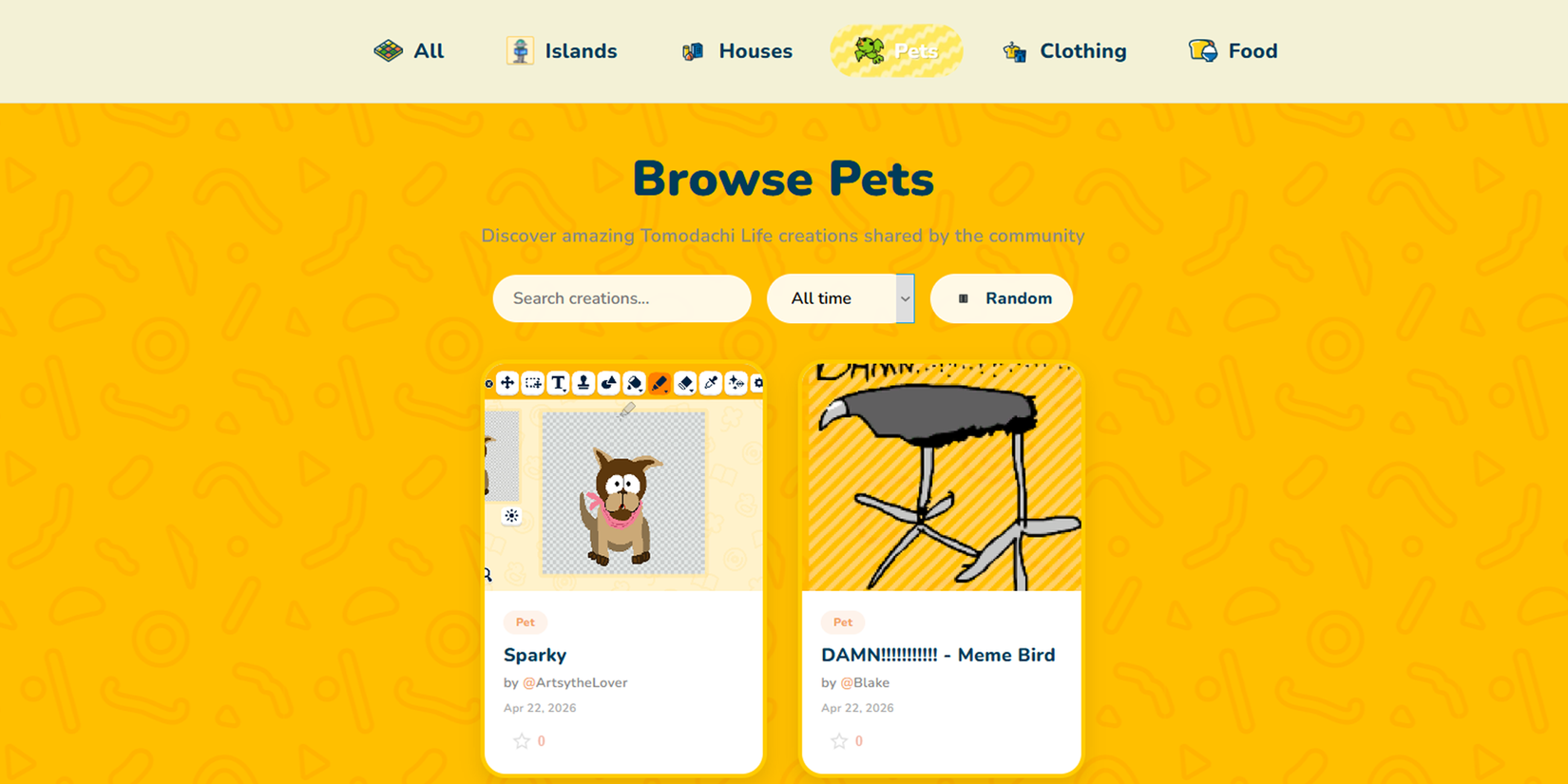
Whether you’ve used Living the Grid to import images into your game, want to share any of your Living the Dream creations, or simply need some inspiration for your next design, Tomopattern is the last app that fills the remaining niche for sharing designs within the community.
Although it currently has a much smaller user base compared to Tomodachishare, given that it’s more recent than other apps, Tomopattern still offers an all-in-one stop for copying or uploading your own designs, with tabs for just about everything except for Miis themselves. Whether you’re looking for island designs, houses, pets, clothing, and food, Tomopattern could easily become your go-to app for sharing your creations even with its currently limited selection.
There Is Still One Way To Officially Share Your Tomodachi Creations
A Limited But Still Useful Method Of Seamless Design Sharing
Of course, while Nintendo removed several content-sharing features and several playable minigames from its predecessor,Living the Dream still offers one way to share content directly with other players between systems albeit with a catch. Even if you can’t share online, by using your system’s Local Play functionality you can download and send creations between systems.
While it sounds great on paper if you have a few creatively inclined friends to share content with it does have a few limitations. The first being that any borrowed Miis and designs can’t be shared by the person that borrowed them putting an end to Mii sharing chains of the past.
Making a new creation using content from a previously shared creation as a base will also make a design ineligible for transfer via local play.
This also means that there currently isn’t a way to transfer Miis between profiles on the same Switch console as previously players theorized that you could simply swap them to a second Switch change profiles and exchange them back onto the new profile.
Even if Tomodachi Life: Living the Dream has a lot more restrictions when it comes to sharing content this time around it’s hard to complain when it means players have total freedom over what kind of content they might want to add especially with various third-party apps making it easier to still import or share custom designs online.
…
…
…
…
…
…
…
…
…
…
…
…
…
…
…
…
…
…
…
…
…